> ## Documentation Index
> Fetch the complete documentation index at: https://docs.utilified.com/llms.txt
> Use this file to discover all available pages before exploring further.
# Meters, Registers & Reads
> Work with the physical metering hierarchy beneath a connection — meters, their measurement registers, and the time-series consumption reads they record.
Meters, registers, and reads sit beneath a [connection](/connections) and describe how energy use is physically measured and recorded. A connection can have many meters, each meter has one or more registers (measurement channels), and each register records a stream of time-series reads.
```text theme={null}
Connection (utility meter point — NMI, MIRN)
└── Meter (physical device)
└── Register (measurement channel)
└── Reads (time-series consumption data)
```
These entities are managed in context rather than as standalone lists. Meters appear under the **Meters** tab of a [connection](/connections), registers under the **Registers** tab of a meter, and reads under the **Reads** tab of a register (or aggregated on a connection). They are gated by the `utilities` permission.
## Meters
A meter is the physical device installed at a connection. Open a connection and select the **Meters** tab to see every meter on that connection in a data grid.
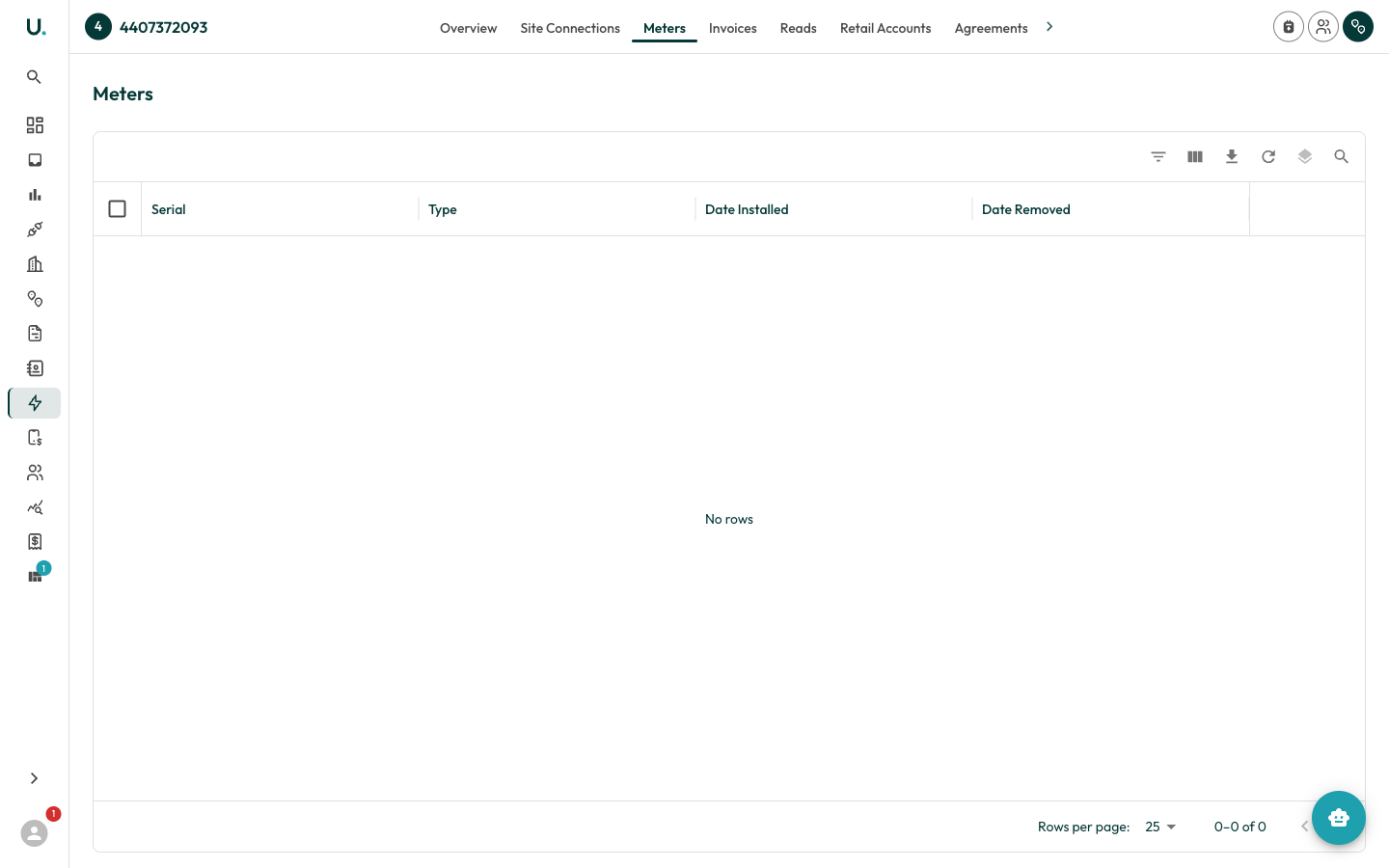 | Column | Description |
| ------------------ | ----------------------------------------------------- |
| **Serial** | The meter's serial number |
| **Type** | The meter type |
| **Date Installed** | When the meter was installed at the connection |
| **Date Removed** | When the meter was removed (blank if still installed) |
Opening a meter shows **Overview**, **Settings**, **Registers**, and **Reads** tabs. The Overview tab summarises the meter's active status, serial number, type, description, install and removal dates, and a link back to its parent connection.
## Registers
A register is a measurement channel on a meter — for example, separate channels for peak and off-peak usage, or for import and export. Open a meter and select the **Registers** tab to list its registers.
| Column | Description |
| ----------------------- | ---------------------------------------------------- |
| **Serial** | The register's serial number |
| **Intervals (seconds)** | The read interval length in seconds |
| **Accumulator Type** | `C` (Cumulative) or Actual — how readings accumulate |
| **Flow Direction** | Injection (`in`), Extraction (`ex`), or Net (`net`) |
| **Base Units** | The unit of measure for the register's reads |
| **Active** | Whether the register is currently active |
Opening a register shows **Overview**, **Settings**, and **Reads** tabs. The Overview tab surfaces the register's serial, base units, interval length, accumulator type, flow direction, active status, and a link to its parent meter.
## Reads
Reads are the time-series measurements a register records — the raw consumption data that underpins validation, modelling, and brokerage. View individual reads on a register's **Reads** tab, or see aggregated reads with charting on a connection's **Reads** tab.
| Column | Description |
| --------------- | ----------------------------------------------------- |
| **Date** | The date of the read |
| **Interval** | The interval within the day the read covers |
| **Value** | The recorded measurement value |
| **Actual** | Whether the value is an actual reading or an estimate |
| **Record Date** | When the read was recorded |
Reads are sorted by **Date** then **Interval**, most recent first.
| Column | Description |
| ------------------ | ----------------------------------------------------- |
| **Serial** | The meter's serial number |
| **Type** | The meter type |
| **Date Installed** | When the meter was installed at the connection |
| **Date Removed** | When the meter was removed (blank if still installed) |
Opening a meter shows **Overview**, **Settings**, **Registers**, and **Reads** tabs. The Overview tab summarises the meter's active status, serial number, type, description, install and removal dates, and a link back to its parent connection.
## Registers
A register is a measurement channel on a meter — for example, separate channels for peak and off-peak usage, or for import and export. Open a meter and select the **Registers** tab to list its registers.
| Column | Description |
| ----------------------- | ---------------------------------------------------- |
| **Serial** | The register's serial number |
| **Intervals (seconds)** | The read interval length in seconds |
| **Accumulator Type** | `C` (Cumulative) or Actual — how readings accumulate |
| **Flow Direction** | Injection (`in`), Extraction (`ex`), or Net (`net`) |
| **Base Units** | The unit of measure for the register's reads |
| **Active** | Whether the register is currently active |
Opening a register shows **Overview**, **Settings**, and **Reads** tabs. The Overview tab surfaces the register's serial, base units, interval length, accumulator type, flow direction, active status, and a link to its parent meter.
## Reads
Reads are the time-series measurements a register records — the raw consumption data that underpins validation, modelling, and brokerage. View individual reads on a register's **Reads** tab, or see aggregated reads with charting on a connection's **Reads** tab.
| Column | Description |
| --------------- | ----------------------------------------------------- |
| **Date** | The date of the read |
| **Interval** | The interval within the day the read covers |
| **Value** | The recorded measurement value |
| **Actual** | Whether the value is an actual reading or an estimate |
| **Record Date** | When the read was recorded |
Reads are sorted by **Date** then **Interval**, most recent first.