> ## Documentation Index
> Fetch the complete documentation index at: https://docs.utilified.com/llms.txt
> Use this file to discover all available pages before exploring further.
# Scenarios & Modelling
> Model and compare energy pricing options for your accounts — evaluate supplier offers, tariff structures, and contract terms before you decide.
Scenarios let you model and compare energy pricing options for your accounts. Use scenarios to evaluate different supplier offers, tariff structures, and contract terms before making decisions.
 ## How scenarios work
Define the scope and parameters.
Select which retail accounts to include.
Set up the pricing options you want to compare.
Generate results showing cost differences.
## Scenarios list
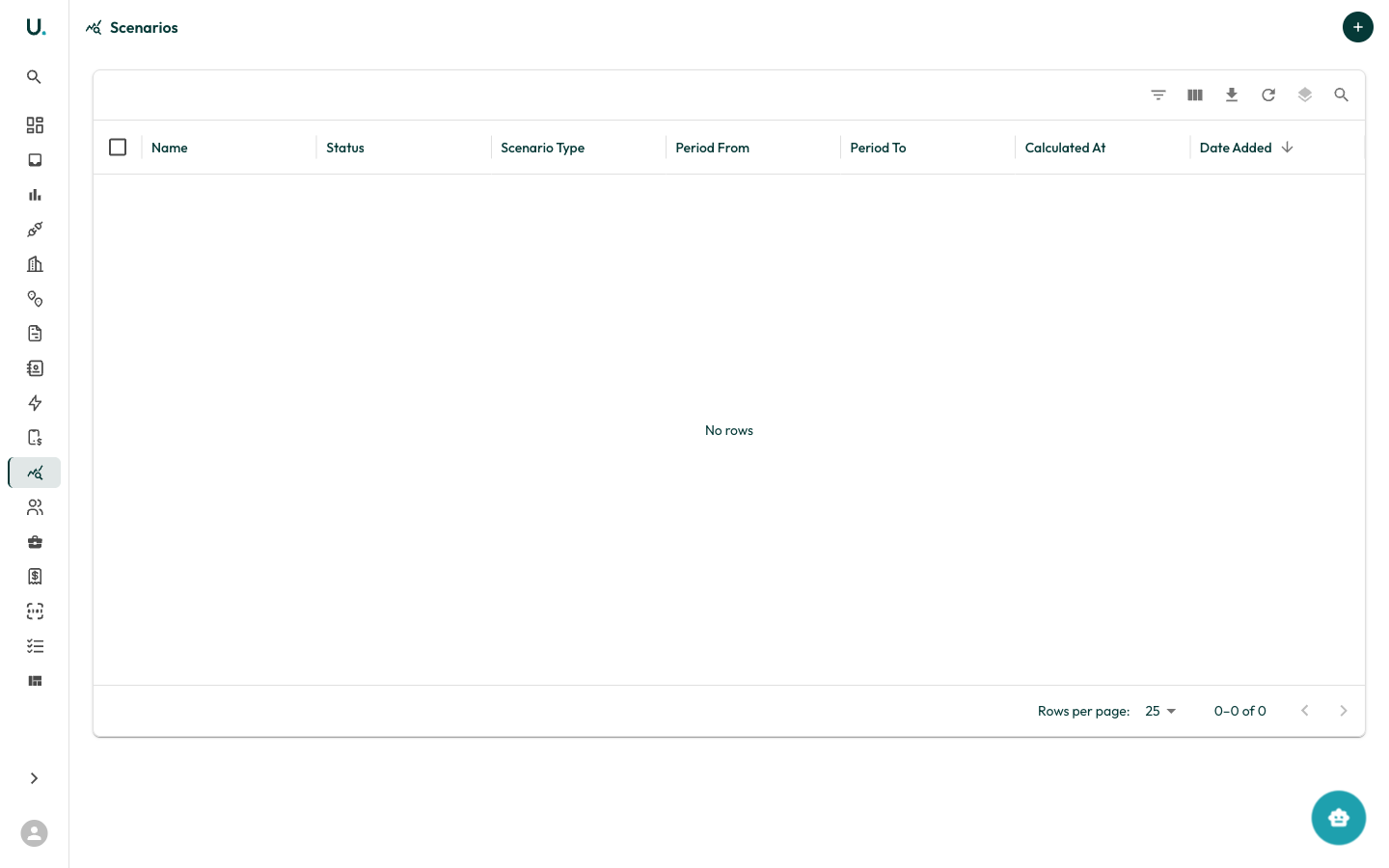
The Scenarios page shows all modelling scenarios in your organisation. You can open each scenario to view its configuration and results.
### Creating a scenario
Click the **+** button to create a new scenario. You configure:
* Scenario name and description
* The [retail accounts](/retail-accounts) to include
* Pricing items to compare
## How scenarios work
Define the scope and parameters.
Select which retail accounts to include.
Set up the pricing options you want to compare.
Generate results showing cost differences.
## Scenarios list
The Scenarios page shows all modelling scenarios in your organisation. You can open each scenario to view its configuration and results.
### Creating a scenario
Click the **+** button to create a new scenario. You configure:
* Scenario name and description
* The [retail accounts](/retail-accounts) to include
* Pricing items to compare