> ## Documentation Index
> Fetch the complete documentation index at: https://docs.utilified.com/llms.txt
> Use this file to discover all available pages before exploring further.
# UtiliRead
> UtiliRead is the automated OCR engine that reads uploaded PDF invoice documents and extracts line items, totals, and meter data into UMS invoice records.
UtiliRead is UMS's automated OCR (Optical Character Recognition) system that reads and extracts data from uploaded invoice documents.
## How UtiliRead works
When you upload an invoice PDF, UtiliRead automatically runs through the following stages:
UtiliRead uses OCR to extract text and data from the document.
It identifies the supplier, account, and connection from the invoice content.
It extracts key fields — invoice number, dates, amounts, consumption data, and line items.
It creates an invoice record with the extracted data.
 ## OCR processing history
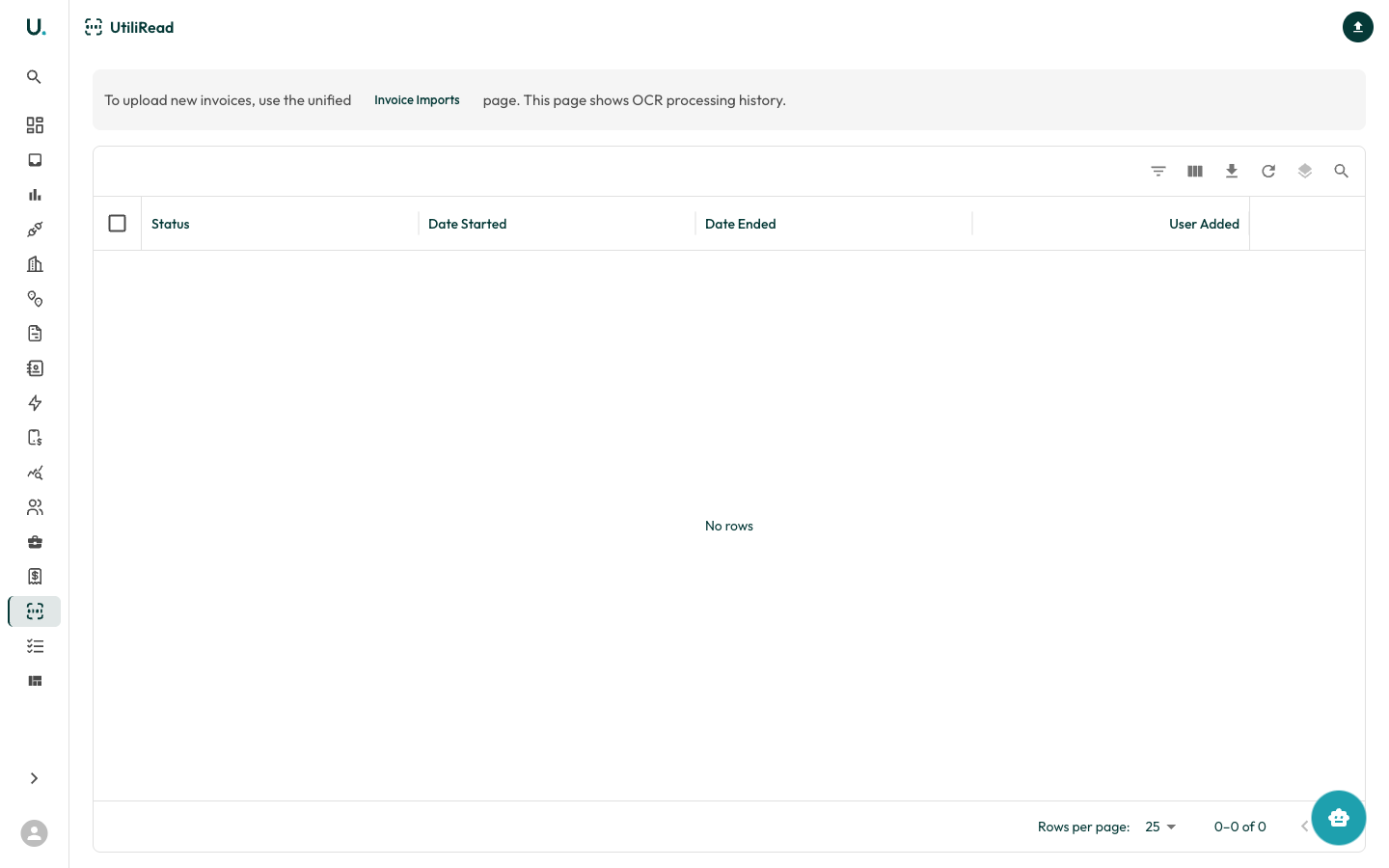
The UtiliRead page shows a history of all OCR processing jobs:
| Column | Description |
| ---------------- | ------------------------------------- |
| **Status** | Processing result — SUCCESS or FAILED |
| **Date Started** | When the OCR job began |
| **Date Ended** | When the OCR job completed |
| **User Added** | The user who triggered the upload |
Click **See Details** on any job to view the extracted data, original document, and any processing errors.
### Uploading invoices
The **Upload invoices** button in the page header takes you to the Invoices page **Uploads** tab for uploading new invoices. The UtiliRead page itself is focused on viewing OCR processing history and results.
## OCR processing history
The UtiliRead page shows a history of all OCR processing jobs:
| Column | Description |
| ---------------- | ------------------------------------- |
| **Status** | Processing result — SUCCESS or FAILED |
| **Date Started** | When the OCR job began |
| **Date Ended** | When the OCR job completed |
| **User Added** | The user who triggered the upload |
Click **See Details** on any job to view the extracted data, original document, and any processing errors.
### Uploading invoices
The **Upload invoices** button in the page header takes you to the Invoices page **Uploads** tab for uploading new invoices. The UtiliRead page itself is focused on viewing OCR processing history and results.