

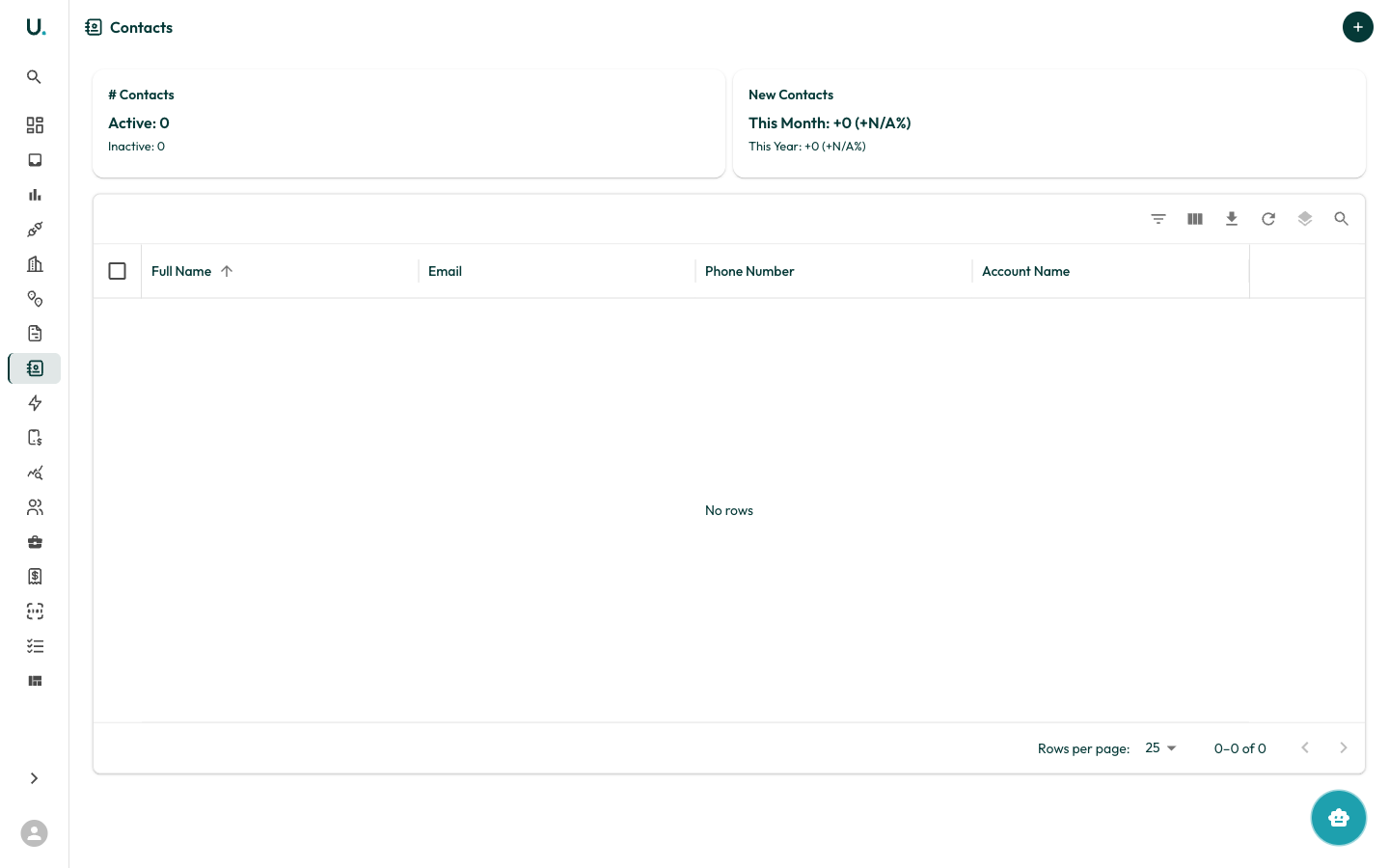
Contacts list
The Contacts page displays all contacts across your organisation in a data grid with the following columns:
Summary cards at the top show contact totals for your organisation.
Toolbar and row actions
The data grid toolbar provides Filter, Column visibility, Export (CSV), Refresh, Density, and Search, matching the Accounts grid. Each row offers See Details to open the contact detail page and Quick Edit to edit fields inline in a drawer.Creating a contact
Click the + button in the top-right corner to open the Create New Contact drawer. The form captures:first_name— First name (required)last_name— Last name (required)email— Email address (required, validated)phone_number— Phone numbermobile_number— Mobile numberposition— Role or job titledepartment— Department or teamaccount— The account to link the contact to (required)
Contact detail page
Clicking See Details on a contact opens the detail page with a tabbed interface:Overview tab
The Overview tab opens with summary cards for Name, Email, Phone, and Account, followed by two editable sections:- Contact Details —
id(read-only),first_name,last_name, andaccount - Contact Info —
emailandphone_number
Details tab
The Details tab shows additional profile information for the contact, including any extended fields captured beyond the core name, contact, and account details.Settings tab
The Settings tab lets you manage the contact’s lifecycle:- Archive — Set the contact to inactive (
activeis set tofalse) while keeping its history - Delete — Permanently remove the contact