

How scenarios work
1
Create a scenario
Define the scope and parameters.
2
Add retail accounts
Select which retail accounts to include.
3
Configure scenario items
Set up the pricing options you want to compare.
4
Run the comparison
Generate results showing cost differences.
Scenarios list
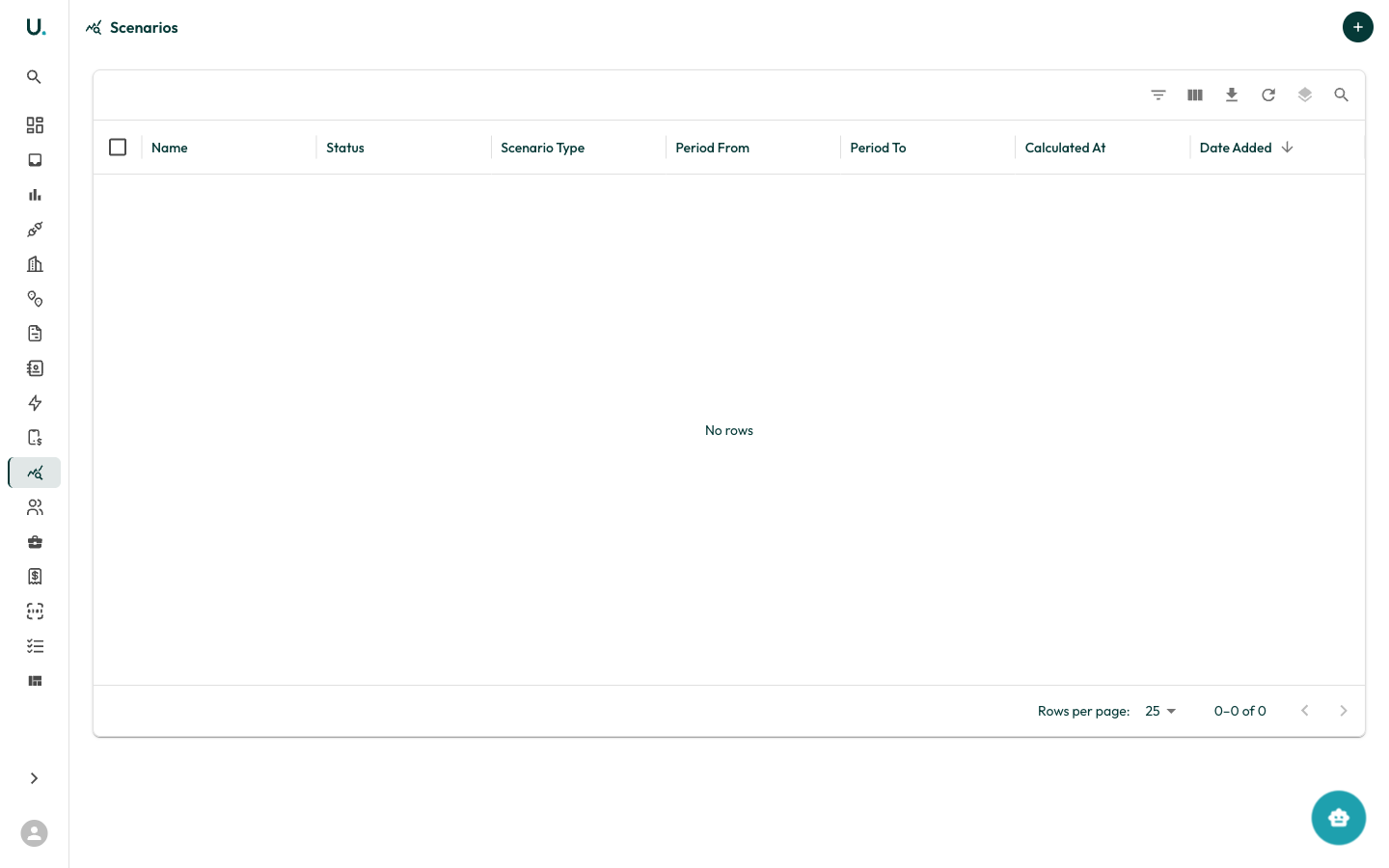
The Scenarios page shows all modelling scenarios in your organisation. You can open each scenario to view its configuration and results.Creating a scenario
Click the + button to create a new scenario. You configure:- Scenario name and description
- The retail accounts to include
- Pricing items to compare