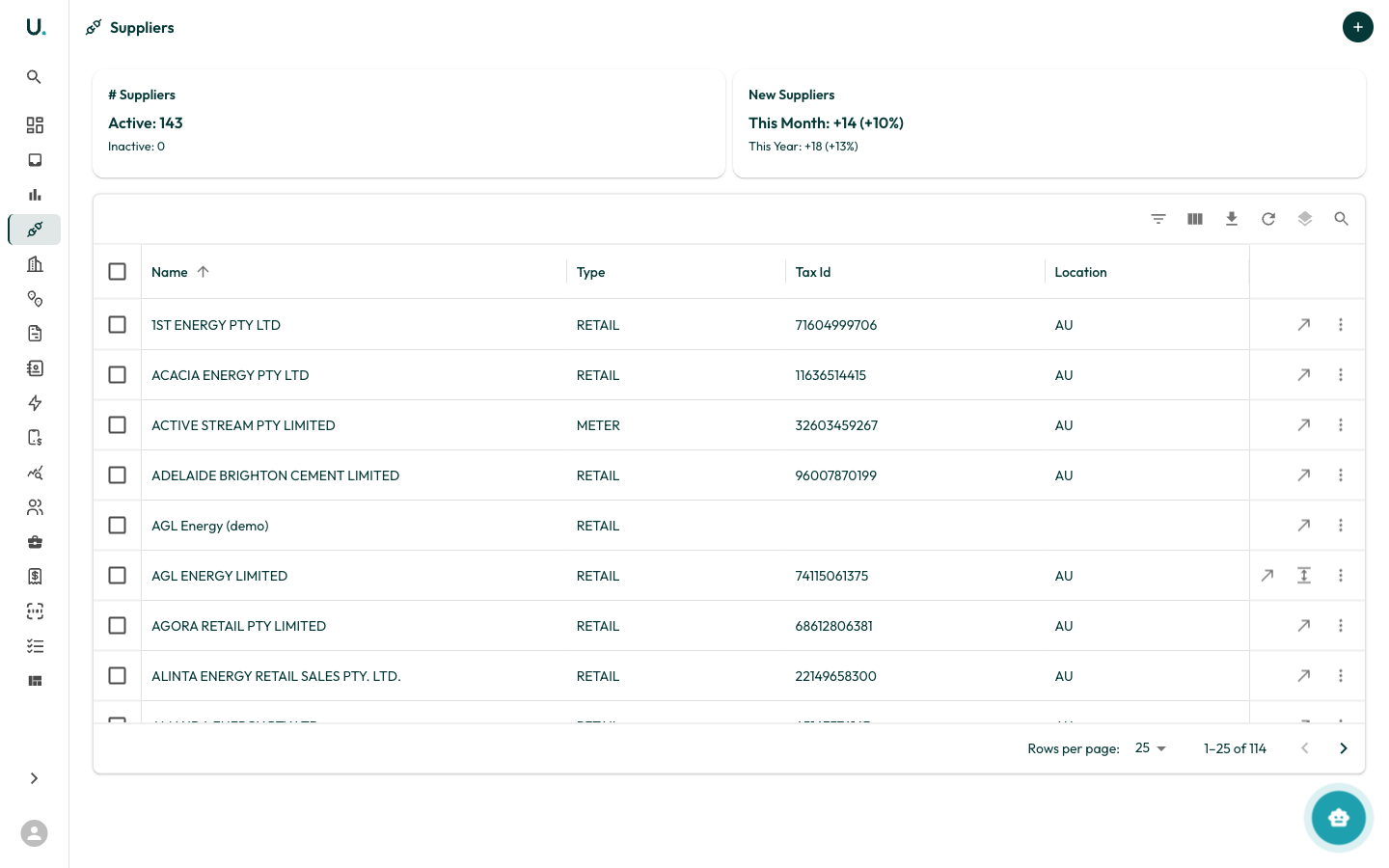
Go to Accounts in the sidebar, then the Suppliers tab. The tab only appears if you have access to suppliers. Suppliers are the energy retailers, network operators, metering providers and other utility companies your accounts hold agreements and retail accounts with, and who issue your invoices.
UMS Suppliers list showing suppliers in a data grid

Suppliers list

Tiles above the grid show Active Suppliers and New Suppliers (this month and this year). Suppliers form a hierarchy: a parent supplier can have associated (child) suppliers. The grid opens on top-level suppliers, sorted by name. Click the expand control on a row to show its associated suppliers. Click New Supplier to open the Create New Supplier drawer.

Supplier types

Supplier detail page

The header shows the supplier name and an Active or Inactive status chip.

Actions

Settings tab