

What is UMS?
UMS is an energy management platform for Australian businesses and energy brokers. It helps you:- Track energy accounts across multiple sites and connections
- Process invoices automatically via email or manual upload
- Validate billing against tariff rates to catch errors
- Manage agreements and monitor contract expiry dates
- Calculate brokerage revenue from energy agreements
- Generate reports on consumption, spend, and portfolio health
Getting started in 5 steps
1
Log in to your account
Navigate to your organisation’s UMS URL and sign in with your credentials. If your organisation uses Microsoft 365 or Google SSO, click the appropriate sign-in button.See Logging In & Security for details on 2FA and password management.
2
Explore the dashboard
After logging in, the Dashboard gives you an instant overview of your portfolio — total accounts, sites, connections, agreements, spend breakdown by utility, and a map of your sites across Australia.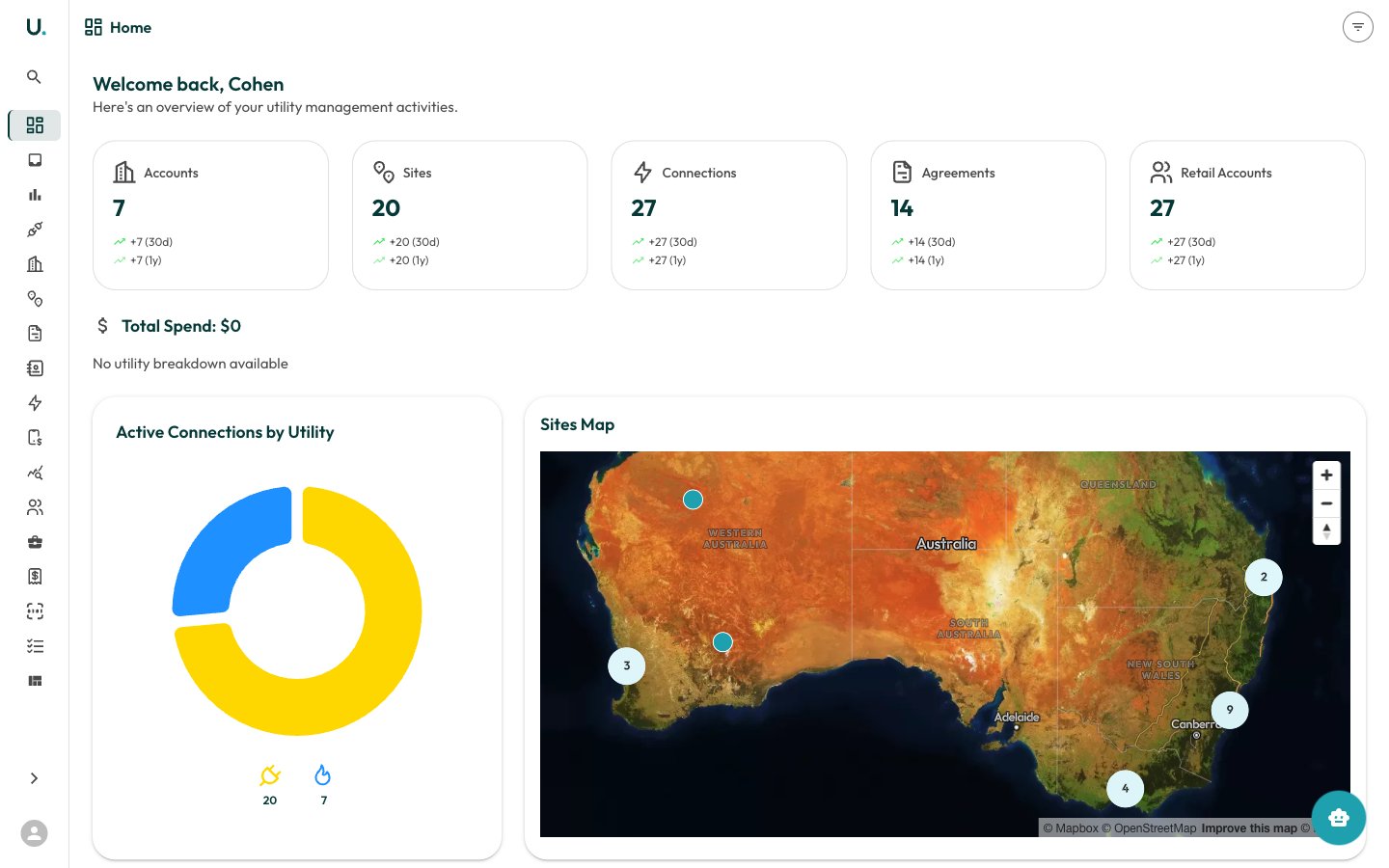
3
Review your accounts
Navigate to Accounts in the sidebar to see your customer accounts. Click See Details on any account to view its sites, connections, agreements, invoices, and contacts.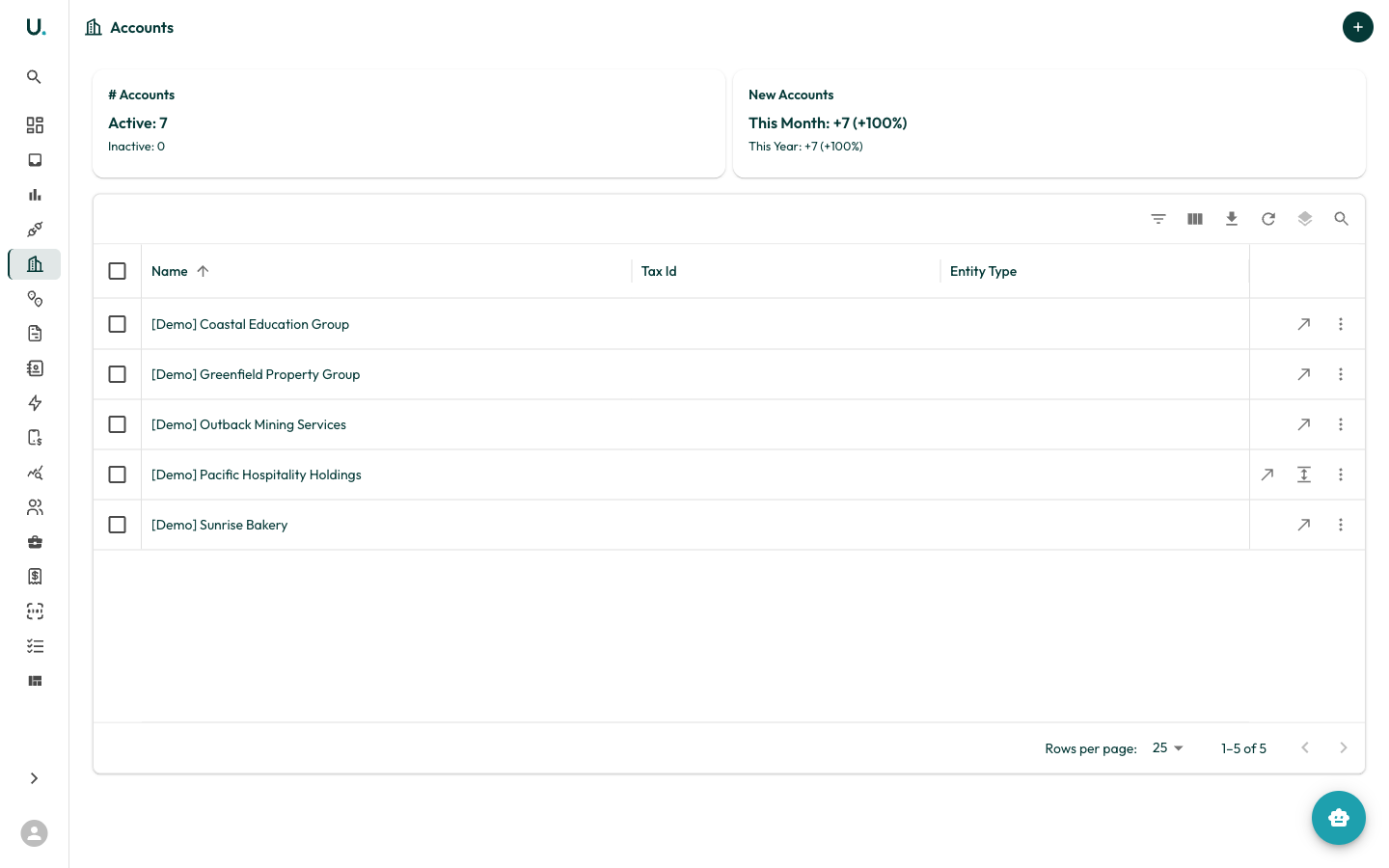
4
5
Run your first report
Navigate to Reports and click Run on any report card. Start with the Agreement Expiry Report to see which contracts are due for renewal.