

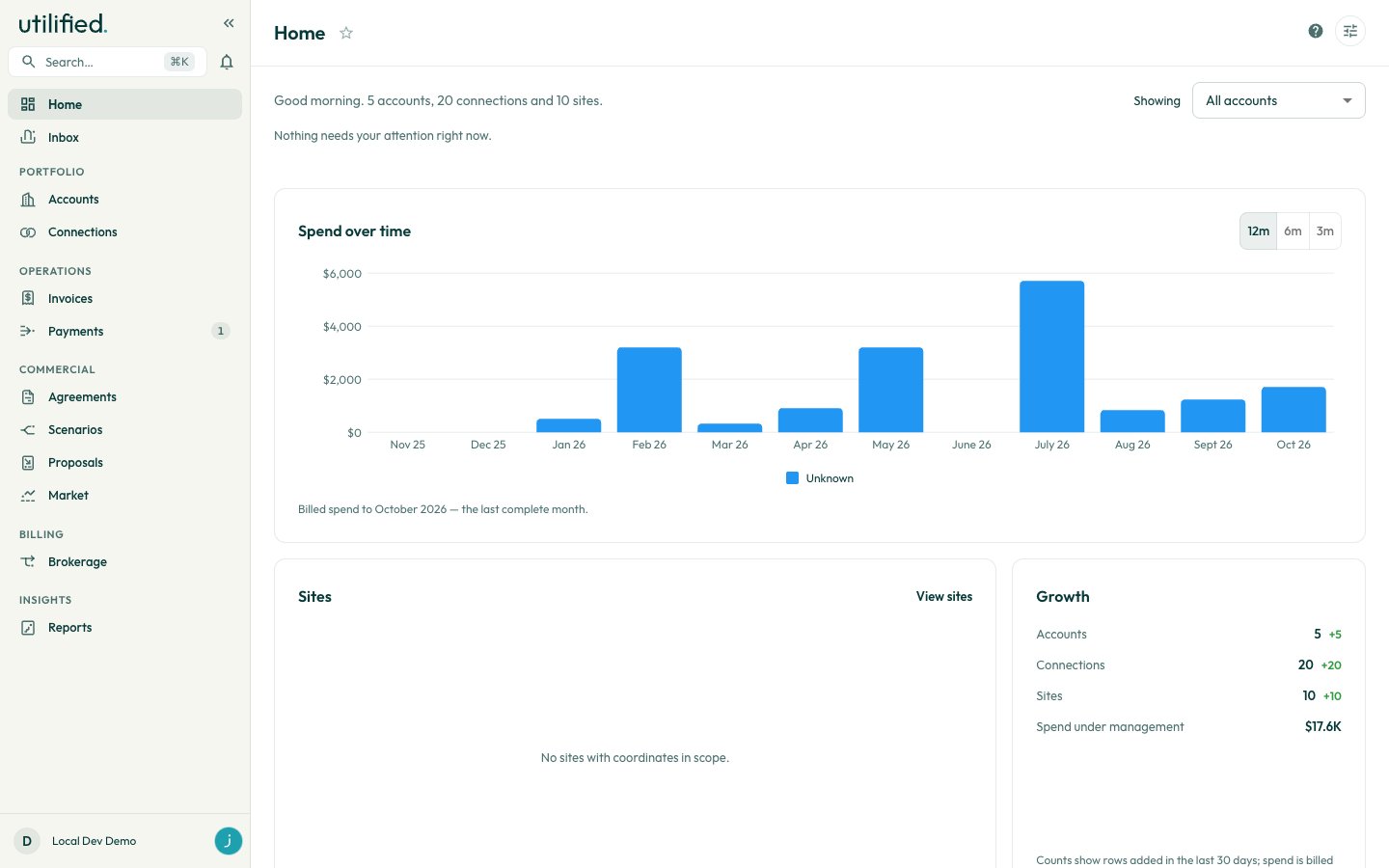
Scope
The Showing selector beside the greeting sets which accounts Home counts. Your choice is saved and applies to the greeting, the attention strip and the modules.
When the scope is narrowed, the selector is highlighted and the greeting says “in scope”. Some modules can’t narrow to every scope. They show all accounts instead and say so in a caption under the module title.
Attention strip
Each tile shows a count and opens the list it counts. A tile with nothing to report is hidden. When every tile is empty, the strip reads “Nothing needs your attention right now.”
Billing errors and Failed uploads (30 days) can’t be narrowed by account, so they only appear under All accounts. Under a narrowed scope the other counts follow the scope, but the lists they open aren’t filtered.
Market news
The Market news ticker scrolls the latest headlines and pauses when you hover over it. Click a headline to open the story, or click Market news to open the news on the Market page. The ticker is hidden when there are no headlines.Modules
Customising Home
1
Open the drawer
Click the customise icon at the top right of the page (tooltip: Choose which modules appear on your home page). The Customise home drawer lists every module, including hidden ones.
2
Choose and order modules
Tick or clear a module’s checkbox to show or hide it. Use the Move up and Move down arrows to change its position.