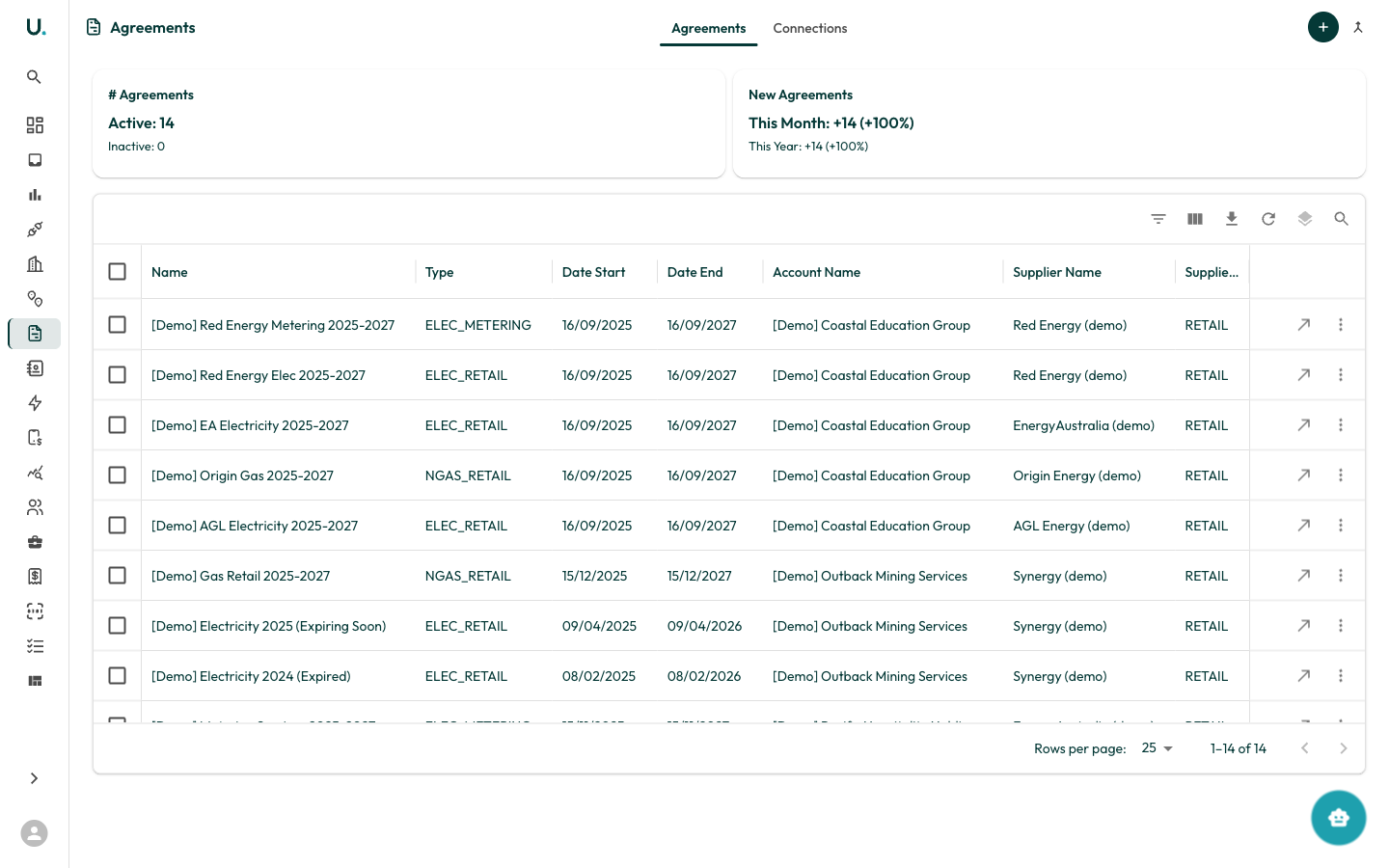
Agreements represent energy contracts between your accounts and suppliers. They track contract terms, rates, start and end dates, and the connections covered by each agreement.
UMS Agreements list showing agreements in a data grid

Agreements list

The Agreements page has two tabs: Agreements and Connections.

Agreements tab

Displays all agreements in a data grid: Summary cards show:
  • # Agreements — Total active and inactive
  • New Agreements — Added this month and year with growth percentages

Connections tab

Shows which connections are linked to each agreement, helping you verify that all meters are covered by a current contract.

Creating an agreement

Click the + button in the top-right corner. You need to specify the agreement name, type, dates, account, and supplier.
For a detailed walkthrough, see the Managing Agreements guide.

Agreement types