

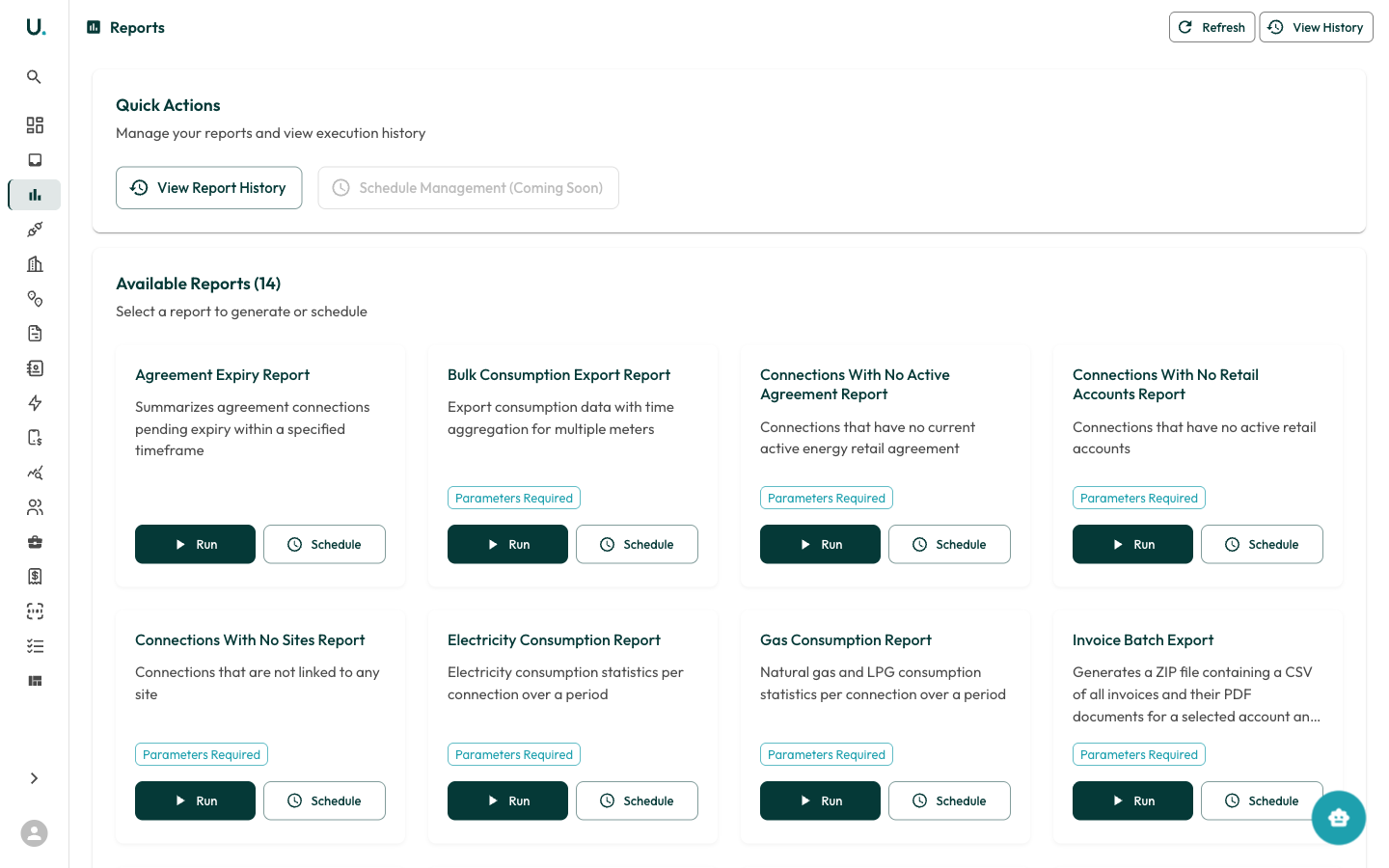
Quick actions
At the top of the Reports page:- View Report History — See previously generated reports and download their results
- Schedule Management — Manage recurring report schedules
- Refresh — Reload the reports list
- View History — Jump to report execution history
Available reports
There are 14 available reports, each with a description and Run / Schedule buttons:Running a report
1
Find the report you need
Locate the report in the list of available reports.
2
Click Run
If the report requires parameters, a form will appear asking for date ranges, accounts, or other filters.
3
Wait for generation
The report generates in the background.
4
Download the result
You will receive a notification when it is ready to download.