

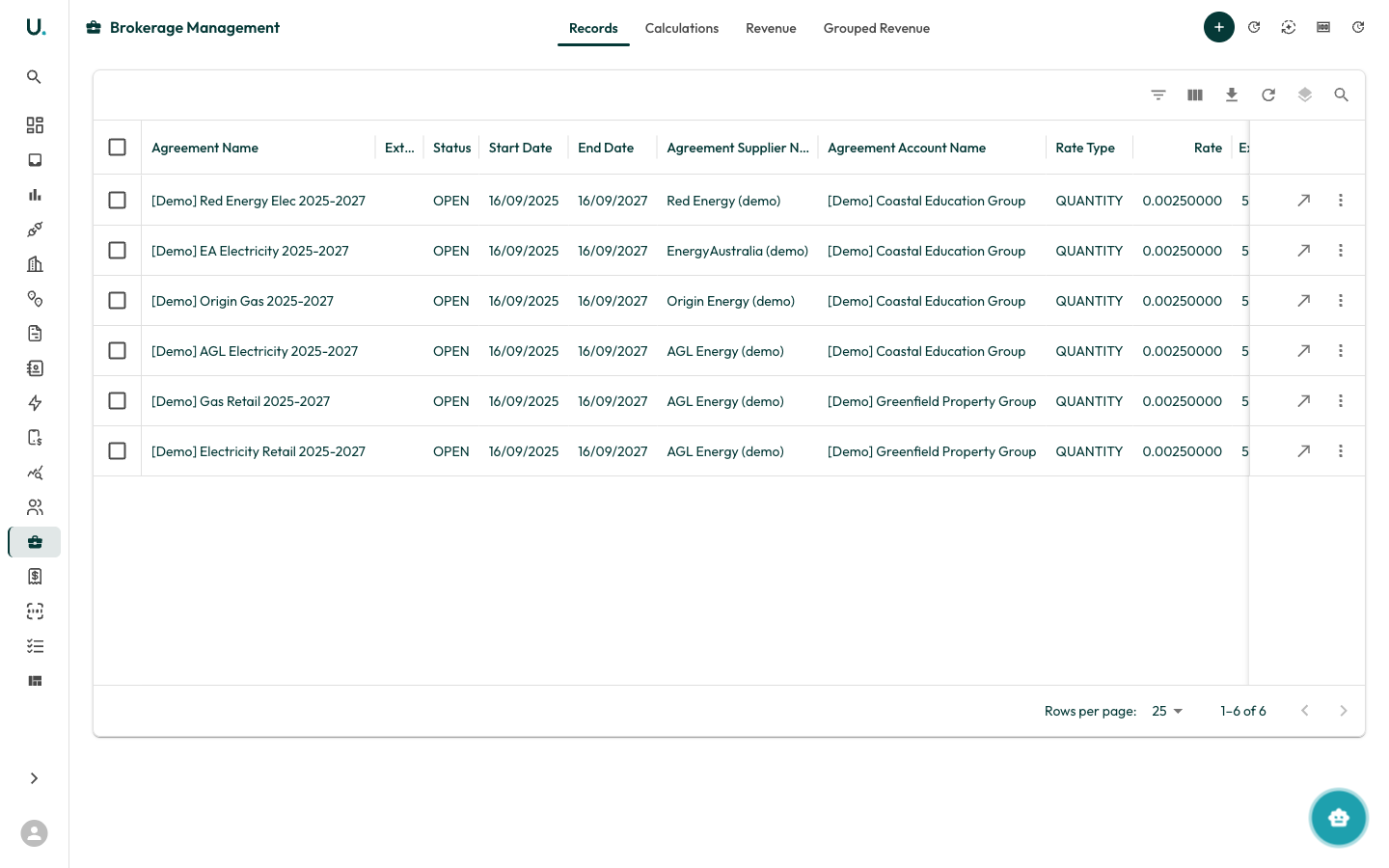
Brokerage management tabs
The Brokerage page has six tabs:Dashboard
A summary view of brokerage activity — record counts, calculation status, and revenue at a glance.Records
Displays all brokerage records linked to agreements:Status Review
Review brokerage records by status to track which records are open, pending, or ready for calculation.Calculations
View and manage brokerage calculation runs. Calculations process brokerage records to determine commission amounts based on tariff rates and consumption.Revenue
Track actual brokerage revenue — the commission income generated from your brokerage agreements.Grouped revenue
View revenue aggregated by supplier, account, or other groupings for high-level analysis.Creating a brokerage record
Click the + button in the top-right corner to create a new brokerage record linked to an agreement.Related
- Running Brokerage Calculations — generate commission revenue from your records
- Customising Xero Brokerage Invoicing — raise invoices into Xero and customise line descriptions