

How UtiliRead works
When you upload an invoice PDF, UtiliRead automatically runs through the following stages:1
Read the document
UtiliRead uses OCR to extract text and data from the document.
2
Identify the source
It identifies the supplier, account, and connection from the invoice content.
3
Extract key fields
It extracts key fields — invoice number, dates, amounts, consumption data, and line items.
4
Create the invoice
It creates an invoice record with the extracted data.
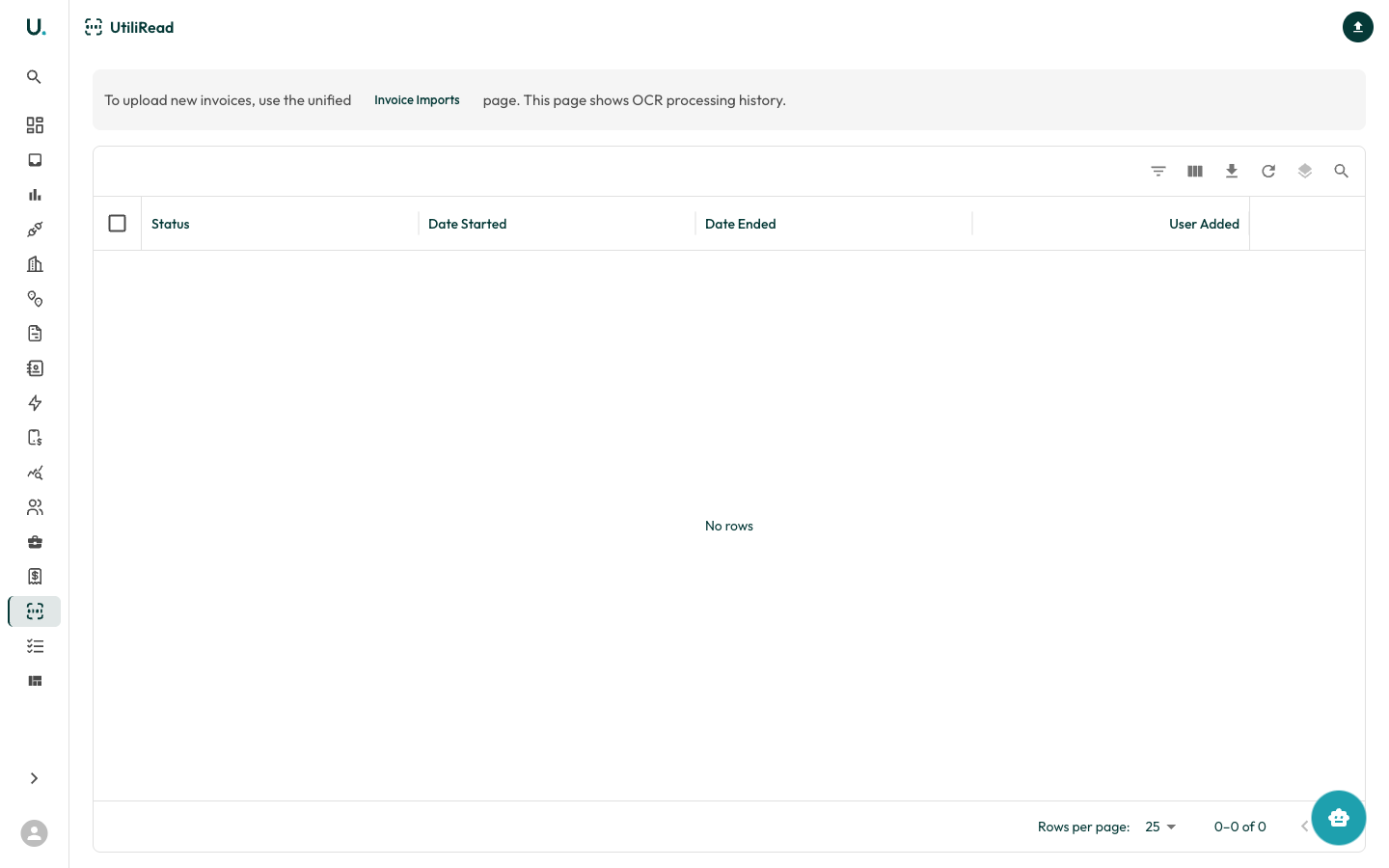
OCR processing history
The UtiliRead page shows a history of all OCR processing jobs:
Click See Details on any job to view the extracted data, original document, and any processing errors.